
Machine help
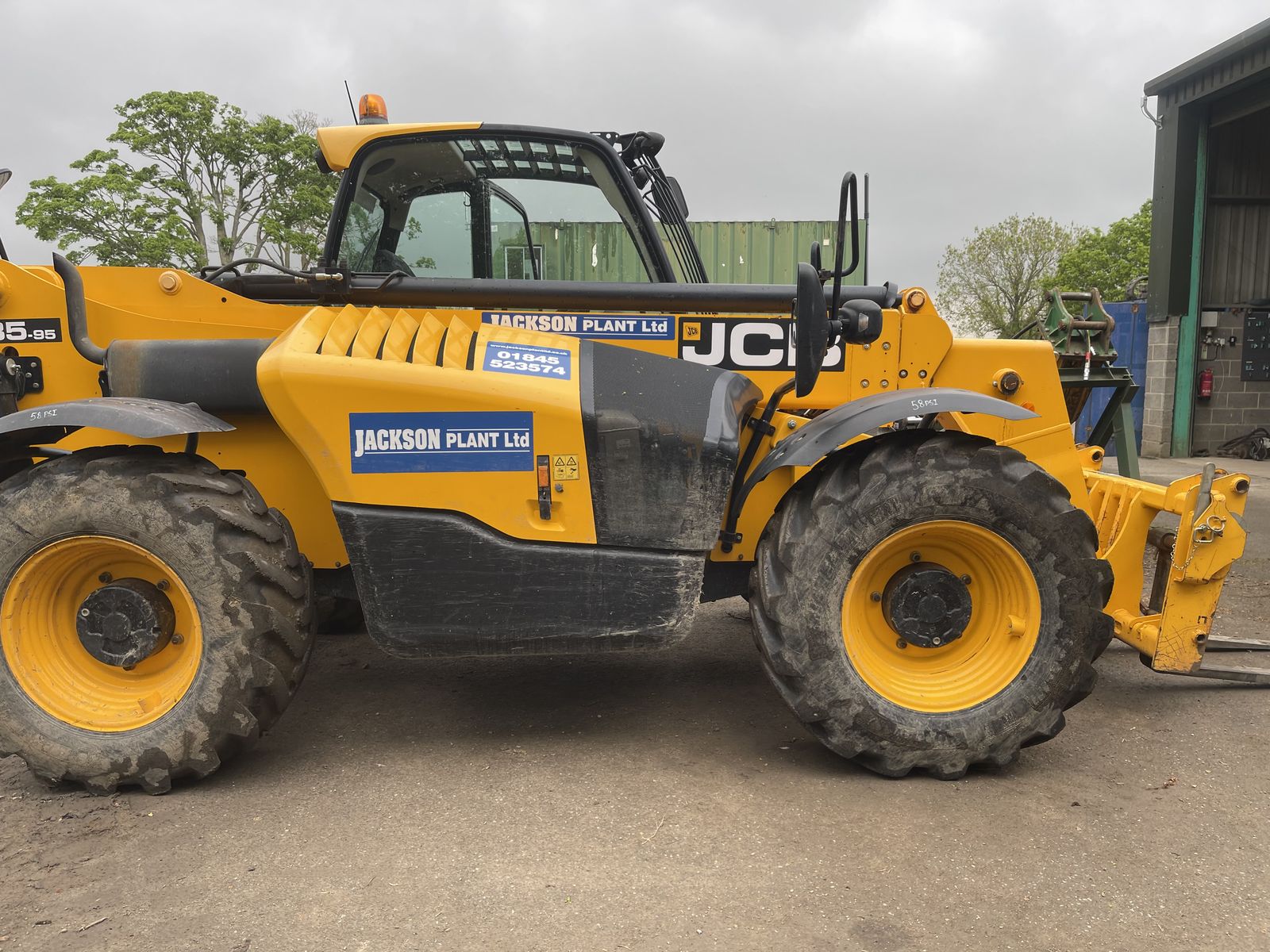
Telehandler problem? Check this first.
Help for machine
The common reasons a telehandler won't start, drive or lift, and what the alarms mean. Only people with a recognised qualification should operate one.
Anyone hurt or in danger? Call 999 first. Machine stuck, sinking or tipped over? Don't try to recover it yourself. Switch off, keep everyone clear and call us on 01845 523574.
Telehandlers
What's the problem?
Tap the one that matches. Each has quick checks in order, then when to stop and call us.
Problem 01
Won't start
Telehandlers have several safety interlocks. Check each one.
- Put the direction selector in neutral.
- Put the park brake on.
- Sit in the seat with the seat belt done up. Many telehandlers have a seat switch.
- Check the battery isolator is on.
- Turn the key to on, wait for the glow plug light to go out, then start.
- Check there's diesel. If it ran dry, see ran out of diesel. Clicks or no lights? See flat battery.
Problem 02
Boom stopped or alarm sounding
Telehandlers have a load management system. When it sounds and stops the boom, it's telling you you're close to tipping.
- Don't try to override it. It's there to stop the machine going over.
- Retract the boom and lower the load. The controls that make things safer (retract and lower) still work.
- Check the weight of the load against the load chart in the cab. You may need to get closer, or lift less at a time.
- If the boom won't move at all, check any boom isolation switch is on and you're sat in the seat.
Stop and call us
If the alarm sounds with no load on, or the boom won't move after these checks, stop and call us.
Call 01845 523574Problem 03
Runs but won't drive
Usually the park brake or the direction selector.
- Take the park brake off.
- Select forward or reverse, and check the gear selector is in a gear.
- Check you're sat down. Some machines cut drive when you leave the seat.
Problem 04
Ran out of diesel
If a diesel engine runs dry, air gets into the fuel lines. Filling the tank alone often isn't enough: the air has to be pushed out first.
- Fill up with clean diesel (red or white, never petrol). Put in at least a quarter of a tank so the pickup is covered.
- Turn the key to on, not start, and leave it there for 30 seconds. On most of our machines you'll hear a fuel pump tick. That pump is pushing the air out.
- Turn the key off, then back to on for another 30 seconds. Do this three times.
- Now try to start it. Crank for no more than 10 to 15 seconds at a time, then wait a minute before trying again so you don't flatten the battery.
Stop and call us
If it still won't fire after three or four goes, stop cranking and call us. Some machines need the fuel system bled by hand, and that's a job for our fitter.
Call 01845 523574Problem 05
Flat battery
A click, a slow turn or no dash lights usually means a flat battery. The usual cause is the key or the work lights left on overnight.
- Check the battery isolator is switched on first. A machine with the isolator off looks exactly like one with a flat battery.
- Make sure everything is switched off: key, lights, beacon.
- To jump start, use a 12 volt vehicle or booster pack. Never use a 24 volt truck.
- Connect red to red (+) on both batteries. Then connect black (-) on the good battery to bare metal on the machine's frame, away from the battery. Don't connect it to the flat battery itself.
- Start the good vehicle, wait a couple of minutes, then start the machine. Take the leads off in the reverse order: black first, then red.
- Leave the engine running for at least 20 minutes so the battery recharges.
Stop and call us
If the battery is cracked, leaking, swollen or smells of rotten eggs, don't jump it. Keep sparks and flames away and call us. Call us too if it goes flat again the next morning.
Call 01845 523574Problem 06
Warning light or alarm
A warning light or alarm is the machine protecting itself. Carrying on can cause expensive damage, so treat it as a reason to stop.
- Bring the machine to a stop on level ground, lower the bucket, forks or skip, and let the engine idle.
- If it's the temperature warning, let it idle for a few minutes to cool, then switch off. A radiator blocked with mud, straw or leaves is the usual cause.
- If it's the oil pressure light or the alarm keeps sounding, switch off straight away.
- Note what the light looks like (a photo on your phone is perfect) before you call.
Stop and call us
Never take the radiator cap off a hot engine: the coolant is under pressure and can scald. Don't keep running a machine with an oil pressure or temperature warning. Call us with the photo.
Call 01845 523574Still stuck?
Call us. We'll talk you through it.
If the checks above haven't sorted it, ring the yard. Have the machine's number to hand (it's on the sticker you scanned, or on the machine) and tell us what it's doing.
- Open
- Monday to Friday 07:30 to 17:00
- Out of hours
- Leave a voicemail with your name, the machine and what's wrong, or send the form. We'll pick it up and call you back.
Other machines